Back to Knowledge Center
Is an accessibility plugin really enough to make a website accessible?
Accessibility plugins can help in some cases, but they are usually not enough on their own. Learn what they can and cannot fix.
May 27, 2026
· 7 min read
Basics
Accessibility
Plugins
An accessibility plugin is not the same as an accessible website
Many website owners eventually ask the same question: is it enough to install an accessibility plugin to make a website accessible?
The short answer is: usually not.
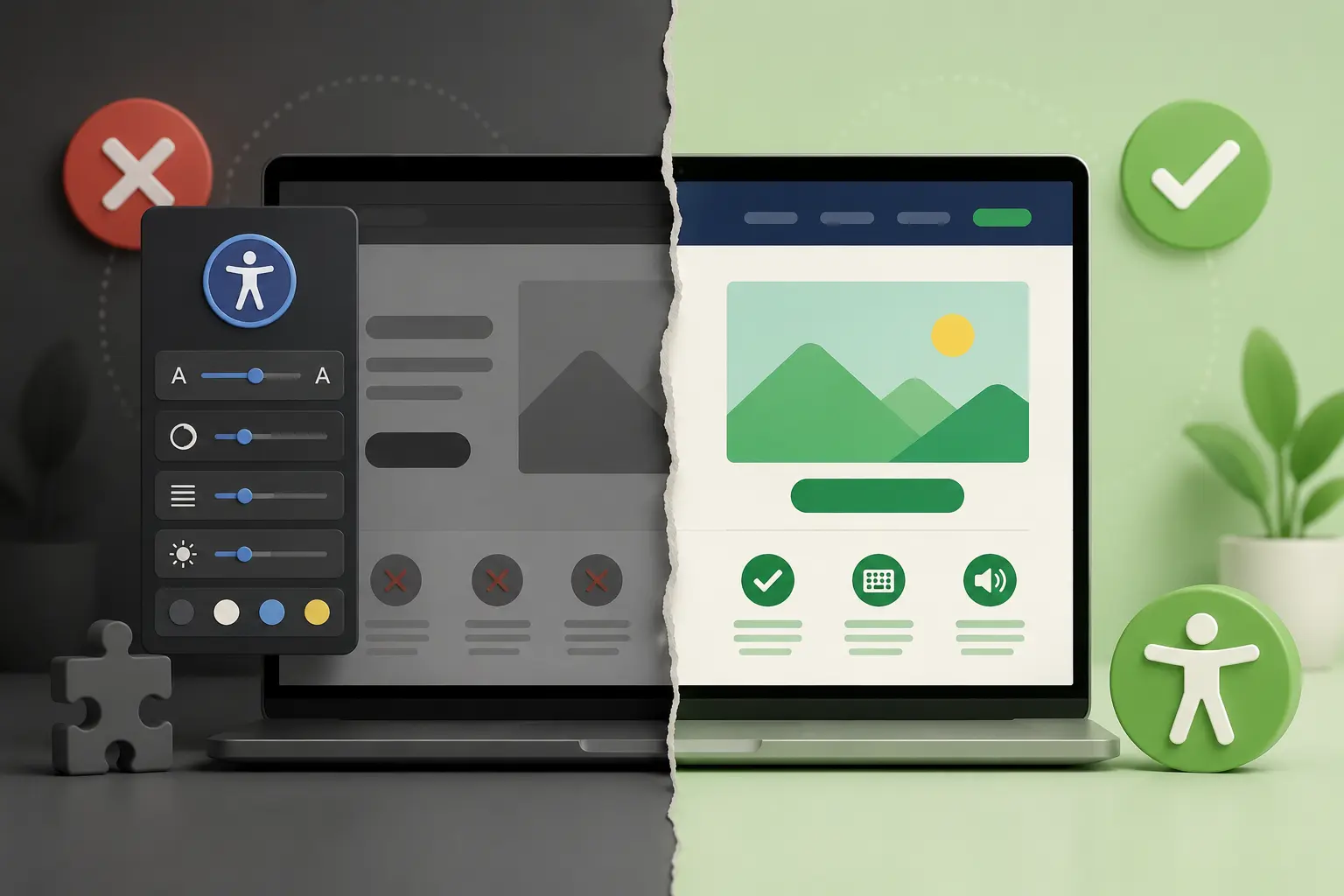
An accessibility plugin can add certain user controls to a website, such as changing text size, adjusting contrast, highlighting links, or stopping animations. These features can be useful for some users.
But an accessible website is not created only by adding an external layer on top of the existing site. Real accessibility needs to be part of the website’s structure: the code, design, content, forms, navigation, and the way users complete actions.
What accessibility plugins usually do
Most accessibility plugins add a button or toolbar with options such as:
- Increasing text size
- Changing colors or contrast
- Highlighting links
- Adjusting letter spacing
- Stopping movement or animations
- Enabling a more comfortable reading mode
- Sometimes attempting to add labels, descriptions, or automatic fixes
Some of these options can help certain users. For example, a user who has difficulty reading small text may benefit from larger text. A user who is sensitive to motion may benefit from stopping animations.
The problem starts when the plugin is treated as a complete solution for all accessibility issues on the website.
What an accessibility plugin usually cannot fix
An accessibility plugin cannot reliably fix every issue that exists inside the website itself.
For example, if a button is built incorrectly, if a form does not include clear labels, if the heading structure is confusing, or if the website cannot be used with a keyboard, an external plugin will not always be able to solve the problem properly.
These are examples of issues that plugins usually do not fix well:
- Important images without meaningful alternative text
- Buttons without clear accessible names
- Form fields without labels
- Error messages that are not explained to the user
- Menus that cannot be opened or closed with a keyboard
- Popups that do not manage focus correctly
- Headings arranged visually but not structurally
- Links with unclear text such as “click here”
- Custom components that do not behave like standard components
- Content that cannot be reached without a mouse
Simply put: if the problem is in the structure of the website, the structure of the website needs to be fixed.
Why an external accessibility layer is not enough
Good accessibility starts with how people actually use the website.
A screen reader user does not only need a button that reads text aloud. They need the website to be built in a way that allows the screen reader to understand the page: what the main heading is, what is a link, what is a button, what is a required field, what is an error, and what the correct order of actions is.
A keyboard user does not only need better colors. They need every action on the website to be possible without a mouse: opening a menu, moving between fields, submitting a form, closing a popup, selecting an option, and continuing through a process.
A user with low vision does not only need a text enlargement button. They need the design to remain readable after text is enlarged, components not to overlap, and important information not to disappear.
A plugin can help with one layer of the experience, but it does not replace accessible planning, writing, design, and development.
A simple example: a contact form
Imagine a website with a contact form that includes name, phone, email, and message fields.
An accessibility plugin may be able to increase the text size in the form or change the contrast. But it will not necessarily fix issues such as:
- A field without a clear label
- An error message that appears only in red
- An error message that does not explain what needs to be fixed
- An illogical tab order between fields
- A submit button that is unclear to screen reader users
- A form that cannot be submitted using a keyboard
These are not only display issues. They are usability issues. To fix them, you need to work on the code, content, and interaction itself.
When an accessibility plugin can be useful
This does not mean every accessibility plugin is useless.
A plugin can be a useful addition when it is added on top of a website that has already been built and tested properly. It can give users extra personalization options, such as changing the visual display or reducing visual load.
In other words, an accessibility plugin should be treated as an assistive layer — not as the foundation of accessibility.
A better approach is:
- First, fix the website itself.
- Then, consider whether a plugin can be useful as a supporting tool.
- Do not rely on it as the only accessibility solution.
How to check whether the website is actually more accessible
To understand whether your website is truly accessible, it is not enough to check whether there is an accessibility button in the corner.
Ask practical questions:
- Can the website be used with a keyboard only?
- Does every important image have appropriate alternative text?
- Are forms clear without relying only on color?
- Are buttons and links described clearly?
- Is the heading structure logical?
- Do error messages explain what the problem is and what the user should do?
- Does the content remain readable when text size is increased?
- Can a screen reader understand the structure of the page?
- Are there recurring issues across multiple pages?
A good accessibility review usually combines several layers: automated scanning, manual testing, keyboard testing, review of key components, and review of important user flows.
Why automated scanning is also not enough on its own
Automated scanning is also an important tool, but it does not see everything.
A scan can identify issues such as low contrast, missing labels, invalid structure, or certain technical problems. But it cannot always understand whether alternative text actually describes the image, whether the message to the user is clear enough, or whether a full process on the website is truly usable.
That is why a scan should be used as a starting point. It helps identify risks, find recurring issues, and build a repair priority list.
But after the scan, you still need to understand the context: what matters on the website, where users perform actions, and what may prevent them from completing those actions.
What to do instead of relying only on a plugin
If you want to improve your website’s accessibility in a more serious way, start with these actions:
- Review the most important pages on the website
- Check menus, buttons, links, and forms
- Make sure the website can be navigated with a keyboard
- Check color contrast and text size
- Add alternative text to important images
- Improve form instructions and error messages
- Fix recurring issues in website templates
- Document what was checked and what was fixed
On many websites, fixing one template can affect many pages. For example, if the website menu is not accessible, fixing it can improve the entire site. If a shared button component is built incorrectly, fixing it can improve dozens of places at once.
The key question: can the user actually complete the action?
In the end, accessibility is not measured only by the tools installed on the website.
The important question is whether a real person can use the website: understand the content, move between pages, read information, fill out a form, make a purchase, send a message, or complete another important action.
If the plugin exists but the user still cannot use the website, the problem has not been solved.
Summary
An accessibility plugin can be a helpful tool, but it is usually not enough to turn an inaccessible website into an accessible one.
If your website has an accessibility plugin installed, that is not necessarily a bad thing. In many cases, it can improve the experience for some visitors. But it should be treated as an additional assistive layer — not as a replacement for real accessibility testing and repair.
Want to start in the right place?
If your website is built with WordPress, you can install the Clear Web accessibility plugin and add a basic assistive layer to your site.
To understand which accessibility issues exist on the website itself, you can run an initial accessibility scan and get a clearer picture of the current situation.
And if you need help reviewing your website, fixing accessibility issues, or understanding what should be done next, contact us and we’ll help you identify the right next step.