Back to Knowledge Center
Free WordPress Accessibility Plugin in English and Hebrew with Premium-Level Features
Looking for a WordPress accessibility plugin? Meet Clear Web’s free plugin: RTL support, open source, easy installation, and advanced features.
June 9, 2026
· 6 min read
WordPress
Accessibility
Plugins
Websites
A WordPress Accessibility Plugin That Does Not Feel Like a Limited Free Plugin
If you have a WordPress website, you have probably already asked yourself: which accessibility plugin should I install?
There are many accessibility plugins on the market. Some are free but very limited. Some require registration, a license, or a monthly payment. Others offer the truly important features only as part of a premium plan.
This is where Clear Web’s plugin comes in: a free WordPress accessibility plugin with Hebrew and RTL support, simple installation, open-source code, and advanced features that are usually expected from a paid plugin.
You can download it directly here: Download Clear Web’s free accessibility pluginOpens in a new window.
Why Do You Need an Accessibility Plugin for a WordPress Website?
An accessibility plugin is not a replacement for making an entire website accessible. That is important to say clearly.
A truly accessible website requires proper heading structure, accessible forms, alternative text for images, keyboard navigation, correct contrast, screen reader compatibility, valid code, and more.
But a good accessibility plugin can add an important assistive layer for website visitors. It allows users to adjust the display so they can consume the content more comfortably.
For example:
- Text enlargement
- Contrast changes
- Spacing adjustments
- Improved readability
- Quick display adjustments
- More convenient use of Hebrew websites
In other words, an accessibility plugin is a good, fast, and practical first step — especially when it is built properly for Hebrew WordPress websites.
The Problem with Many Free Accessibility Plugins
Many website owners search Google for “free WordPress accessibility plugin” and quickly discover that the word “free” does not always mean much.
Sometimes the plugin is free, but the important features are locked behind a premium version. Sometimes it is not properly adapted to Hebrew. Sometimes it does not look right on RTL websites. And sometimes the installation or configuration process is more complicated than a regular website owner should have to deal with.
The result is that website owners install one plugin, discover it does not really fit, then move to another plugin — or give up entirely.
A good accessibility plugin should not feel like a compromise. It should be simple, clear, quick to install, adapted to the website’s language, and give visitors tools that are genuinely useful.
What Makes Clear Web’s Plugin Different?
Clear Web’s plugin was built specifically for WordPress websites, with an emphasis on Israeli websites, Hebrew, and RTL.
It is free, but it is not built like a “free and limited” plugin. It includes advanced capabilities that feel much closer to a premium plugin:
- Full Hebrew support
- RTL support
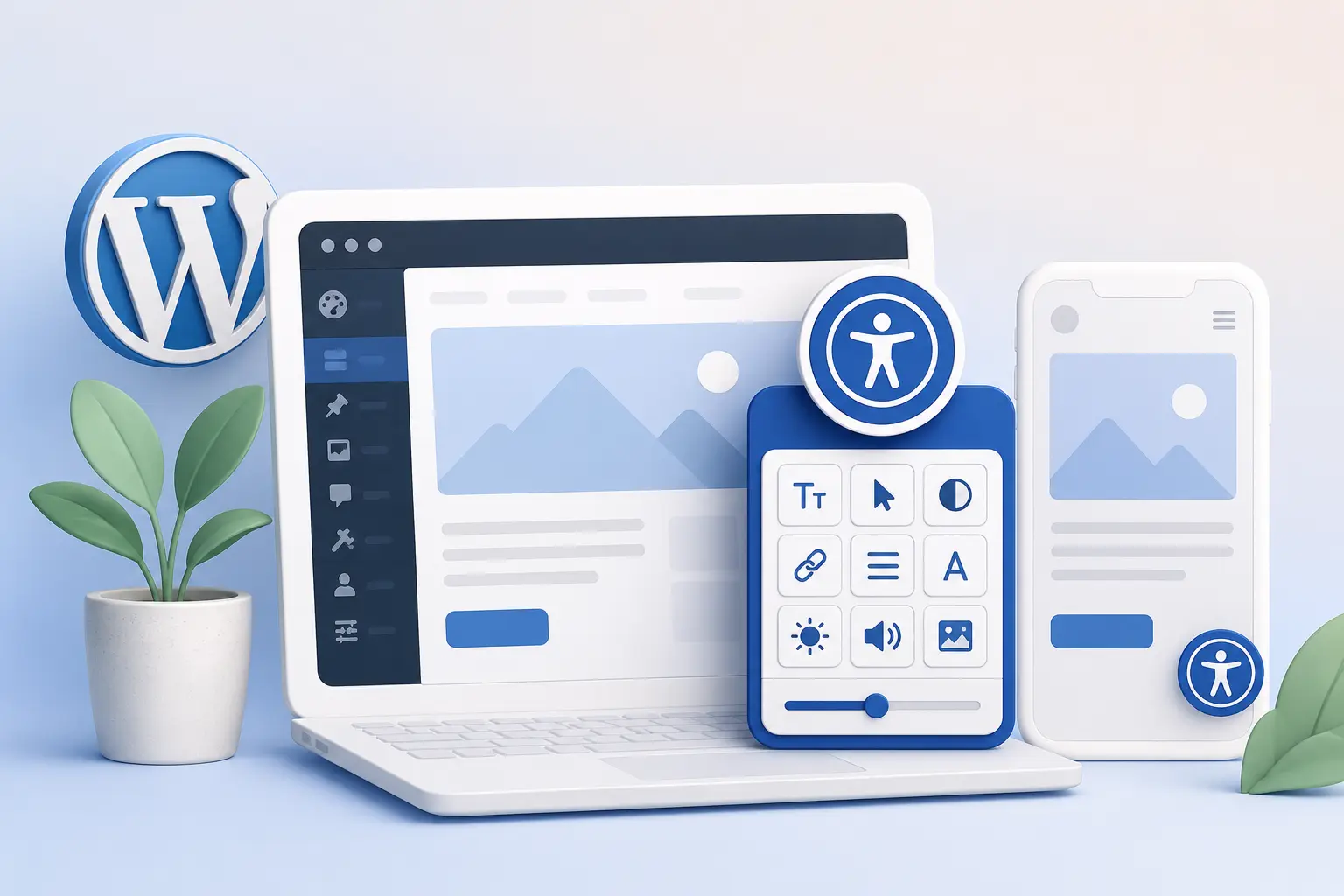
- Clear and convenient accessibility toolbar
- Text size adjustments
- Contrast adjustments
- Spacing and display adjustments
- Simple installation through WordPress
- No coding required
- Open source
- Free to use
The meaning is simple: you can add a useful accessibility layer to your website within minutes, without paying for a premium plugin and without dealing with a heavy technical process.
Why Are Hebrew and RTL Support So Important?
A Hebrew website does not behave like an English website.
The reading direction is different. Element placement is different. Menus, buttons, icons, and user interfaces need to feel natural from right to left. When an accessibility plugin is not adapted to RTL, it can look out of place, break the design, or create a less professional user experience.
That is why, for an Israeli website, Hebrew and RTL support is not a “bonus.” It is a basic requirement.
Clear Web’s plugin addresses exactly this point. It is built to fit Hebrew websites, rather than simply being translated superficially from an English plugin.
Who Is This Plugin For?
The plugin is especially suitable for WordPress website owners who want to add a basic, convenient accessibility layer without starting a complex development project.
It is also suitable for:
- Business owners with brochure websites
- Website builders and freelancers
- Digital agencies
- Marketing managers
- Content managers
- Nonprofits and organizations
- Hebrew service websites
- Websites built with WordPress and Elementor
If you manage a Hebrew website and want to add a useful accessibility tool, this plugin can be a fast and smart starting point.
How Do You Install the Plugin?
The installation is simple and is done through the WordPress dashboard.
Here is how to do it:
- Go to the plugin download pageOpens in a new window.
- Download the ZIP file
- Open the WordPress dashboard
- Go to “Plugins” → “Add New”
- Click “Upload Plugin”
- Upload the ZIP file
- Install and activate it
After activation, the accessibility toolbar will appear on the website and you can start using it.
No coding is required. No developer is required. No complicated registration process is required.
Is an Accessibility Plugin Enough to Make a Website Accessible?
Not necessarily.
An accessibility plugin can help users make display adjustments, but it does not replace a full accessibility audit. It does not automatically fix all website code, check all forms, verify that every image includes alternative text, or replace deeper accessibility work according to accessibility standards.
That is why it should be treated as an important assistive layer — not as a magic solution.
The right approach is:
- Install a quality accessibility plugin
- Check the actual condition of the website
- Fix structural or technical issues where needed
- Make sure the website is usable beyond the accessibility toolbar
If you are not sure what condition your website is in, you can start with a free website scanOpens in a new window. or read more about whether an accessibility plugin is really enoughOpens in a new window..
Why Start Now?
Because installing an accessibility plugin is a simple action that can improve the website experience today.
It is not a long project. You do not need to pause the website. You do not need to commit to a paid plugin. And you do not need to deal with complex settings.
Clear Web’s plugin lets you start cleanly:
- Download for free
- Install within minutes
- Get Hebrew and RTL support
- Add useful tools for visitors
- Keep control and flexibility through open-source code
For website owners, this is a good way to start treating accessibility more seriously — without making the first step too complicated.
Summary
A WordPress accessibility plugin does not have to be expensive, complicated, or limited. If you have a Hebrew website, it is worth choosing a solution that fits the language, reading direction, user experience, and the real needs of website owners in Israel.
Clear Web’s plugin offers a strong combination: it is free, open source, adapted to Hebrew and RTL, easy to install, and includes advanced features that are usually expected from a premium plugin.
The next step is simple: download Clear Web’s free accessibility plugin nowOpens in a new window. and add a useful accessibility layer to your WordPress website within minutes.