Back to Knowledge Center
How to read an accessibility scan report
Learn what scan results usually show, how to prioritize issues, and what to do next — without treating every warning as an emergency.
May 26, 2026
· 7 min read
Scans
Planning
Scans give signal, not the full picture
Automated accessibility scans are useful because they can quickly highlight recurring problems across many pages. They are also limited: they cannot catch every real-world barrier a human user might experience.
Treat a scan as a starting map, not a final verdict on whether your website is “accessible.”
If you do not have a report yet, you can start with an initial accessibility scan to get a clearer view of the issues worth checking.
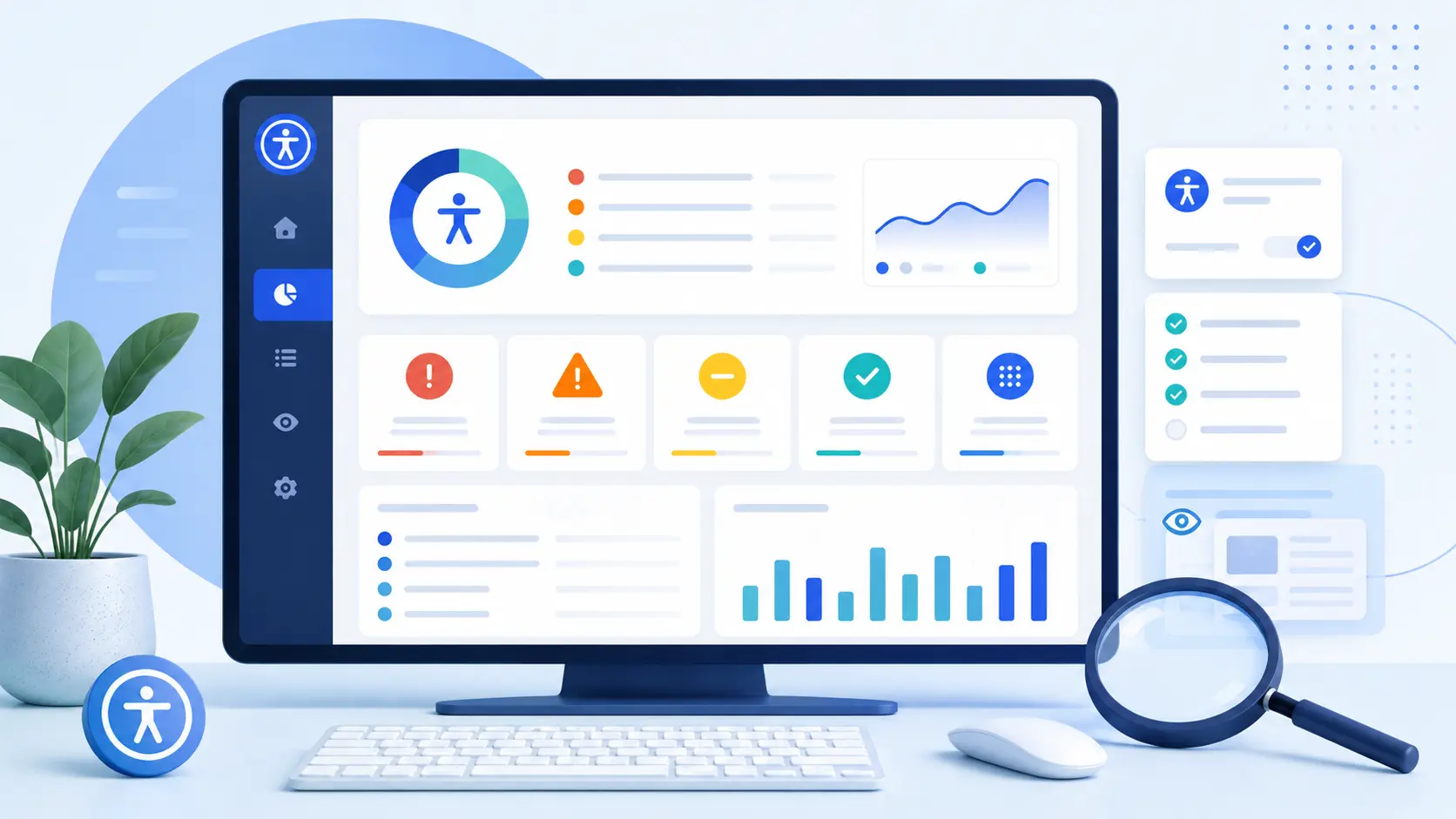
Common parts of a report
Most reports group findings in a similar way:
| Area | What it usually means |
|---|---|
| Critical / serious | Issues that block access or make core tasks very difficult |
| Moderate | Important barriers that should be planned and fixed |
| Minor | Improvements that help quality and consistency |
| Per page | Which URLs were tested and what was found on each |
| Rule ID | A technical reference, for example WCAG-related rules, your developers can look up |
Severity labels vary between tools. Focus on user impact and how many templates share the same problem.
Prioritize by impact, not by count alone
A long list can feel overwhelming. A practical order is:
- Blockers on key flows — homepage, contact, checkout, login, booking
- Repeated template issues — the same header, footer, or form on every page
- Legal or policy-sensitive content — statements, terms, pricing
- Lower-traffic pages — still important, but often after core journeys
Fixing one component in a shared layout can remove dozens of duplicate findings.
What automated scans miss
Scans may not reliably evaluate:
- Whether alternative text is meaningful
- Whether heading structure reflects the real outline of the page
- Whether focus order feels logical in complex widgets
- Whether language and tone are understandable
- Whether custom interactions work with keyboard and screen readers
That is why many teams combine automated scans with manual review for critical journeys.
Turn results into a plan
After reviewing the report, document:
- Owner — design, content, or development
- Scope — one template vs. site-wide
- Effort — quick fix vs. structural change
- Verification — how you will retest after the fix
This keeps remediation aligned with business priorities instead of chasing every line item at once.
Want to understand where to start? Run an accessibility scan for your website and use the findings as the basis for a clear remediation plan.
When to ask for help
If findings involve custom JavaScript, third-party widgets, PDFs, or legacy templates, external expertise can save time and reduce rework. A consulting session or structured remediation scope can translate technical output into a realistic work plan.
Clear Web offers accessibility scans, reports, and remediation support for Israeli businesses that want clarity before committing to larger projects.
If you already have a scan report and are not sure how to read it, what to fix first, or which issues actually matter most, contact us. We’ll help you turn the findings into a practical action plan.