Back to Knowledge Center
Web Accessibility: What It Means, Why It Matters, and Where to Start
Web accessibility helps more people use your website, improves user experience, and reduces business and legal risks.
June 21, 2026
· 6 min read
Web Accessibility
User Experience
WCAG
What Is Web Accessibility?
Web accessibility is the ability of as many people as possible to use a website comfortably, clearly, and independently — including people with visual, hearing, motor, attention, cognitive, or technology-related limitations.
An accessible website is not meant only for a small group of users. In practice, good accessibility also helps people browsing from a phone, using a small screen, sitting in a noisy environment, struggling to read small text, or simply trying to find information quickly without fighting the website.
Put simply: an accessible website is a website that is easier to use.
If you are not sure what condition your website is in today, you can start with an initial check: scan your website and get an initial picture of accessibility issues worth reviewing.
Why Is Web Accessibility Important?
Accessibility is first and foremost about people. A business website, service website, online store, or public information page all exist to help people complete an action: read, understand, contact you, buy, register, or receive a service.
When a website is not accessible, some users simply cannot do that.
For example:
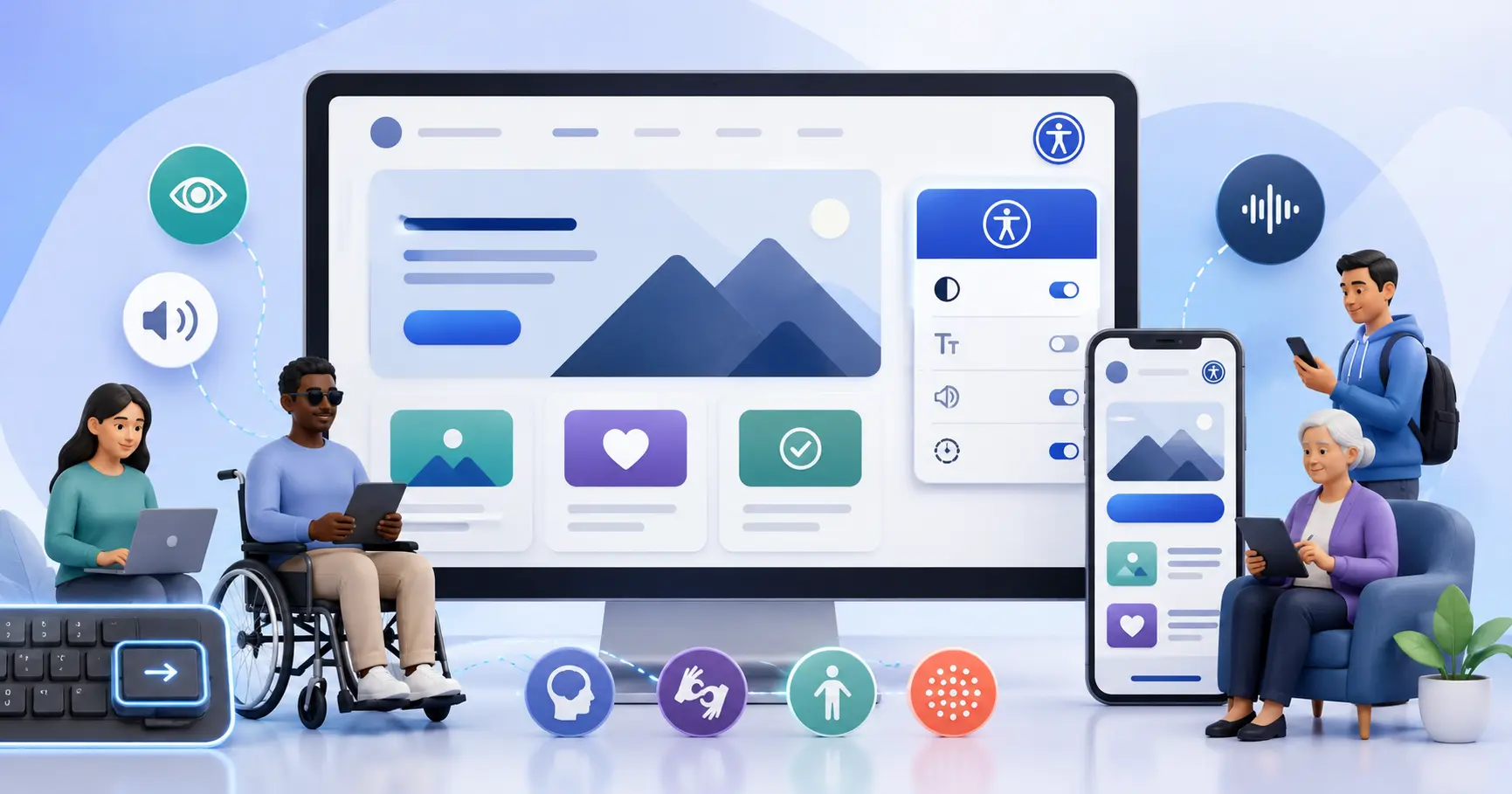
- A user with a visual impairment may need a screen reader.
- A user with a motor disability may navigate the website using only a keyboard.
- A user with color blindness may miss information that is communicated only through color.
- A user with attention difficulties may struggle with a cluttered, distracting, or confusing website.
- An older user may need larger text and stronger color contrast.
Beyond that, accessibility also affects the business itself. An accessible website can improve user experience, reduce abandonment, build trust, support organic visibility in some cases, and reduce exposure to complaints or legal risks.
Accessibility Is Not Just a Plugin
Many website owners first encounter accessibility through accessibility plugins or accessibility buttons that appear on the side of a website. A plugin like this can help in some cases, for example by allowing users to increase text size, change contrast, or adjust certain display settings.
But it is important to understand: an accessibility plugin does not turn an inaccessible website into a fully accessible website.
If a website has buttons without clear names, images without alternative text, broken forms, poorly structured headings, or components that cannot be operated with a keyboard — a plugin will not always solve the root problem.
Real accessibility starts with the website’s code, content, design, and structure.
That said, a good accessibility layer can be a useful step as part of a broader process. If your website is built on WordPress, you can download Clear Web’s accessibility plugin and add basic user adjustment tools to your website.
Common Accessibility Issues on Websites
On most websites, accessibility problems are not caused by a lack of care. Usually, they build up over time through development, design, plugin installation, content editing, and ongoing website changes.
Here are some common issues:
- Text with weak contrast against a light background.
- Important images without alternative text.
- Buttons and links with unclear text, such as “click here.”
- Forms without proper labels.
- Menus that cannot be opened or closed comfortably with a keyboard.
- Heading structure that does not follow a logical order.
- Pop-ups that interfere with navigation.
- Moving or flashing elements without user control.
- Form error messages that do not explain what needs to be fixed.
Some of these problems may sound small, but for certain users they can be the difference between a website they can use and a website where they simply cannot complete an action.
Want to identify some of these issues on your website? Start with an accessibility scan and see which barriers already appear.
Where Should You Start?
The best way to start is not to try to fix everything in one day, but to follow a structured process.
1. Check the Current State
You can begin with an automated accessibility scan to get an initial picture of the website’s condition. A scan like this can identify issues such as low contrast, problematic form fields, missing alternative text, and more.
However, it is important to remember that an automated scan is only a starting point. It cannot detect every issue, and it does not always understand the full context of the page.
At this stage, it is worth starting with a simple action: scan your website, review the first findings, and mark which pages or components require a deeper check.
2. Fix the Most Important Things First
Not every issue on a website has the same level of importance. It is best to start with especially important pages:
- Homepage.
- Service pages.
- Contact pages.
- Purchase or registration pages.
- Main forms.
- Pages that receive significant traffic from Google or advertising.
The goal is to make sure the most important actions on the website are available and usable for as many people as possible.
If you have an active business website and you are not sure what to fix first, you can contact us and we will help you understand which issues require immediate attention and which can be handled as part of ongoing maintenance.
3. Improve Content and Structure
Accessibility is not only technical. The content itself also needs to be clear.
Use organized headings, short paragraphs, easy-to-understand text, links that describe their destination, and error messages that explain what the user needs to do.
For example, instead of a link called “More details,” it is better to write “Learn more about website accessibility services.”
4. Test Keyboard Use
Here is a simple test you can perform yourself: try using the website without a mouse, only with Tab, Enter, and the arrow keys.
Check whether you can reach all buttons, open menus, fill out forms, close pop-ups, and understand where you are at every moment.
If an important action cannot be completed without a mouse, that is a significant accessibility issue.
5. Create a Maintenance Routine
Accessibility is not a one-time project. Websites change: new pages are added, templates are replaced, plugins are installed, designs are updated, and content is edited.
That is why accessibility checks should be part of ongoing website maintenance — especially before launches, campaigns, design changes, or adding new components.
On WordPress websites, you can combine ongoing content and code maintenance with a user adjustment layer. To get started, you can download Clear Web’s accessibility plugin and add basic tools that improve the user experience.
What About Standards Like WCAG?
WCAG is an international set of guidelines for web content accessibility. It helps explain how to build websites and content so they are more accessible to users with different needs.
The guidelines cover topics such as color contrast, keyboard navigation, alternative text for images, heading structure, forms, errors, video content, and more.
Not every website owner needs to know every section in depth, but it is important to understand the principle: an accessible website should be perceivable, operable, understandable, and technically robust.
If you need help understanding how these requirements apply to your website in practice, talk to us and we will help you turn the findings into a clear action plan.
Summary
Web accessibility is not only a technical or legal requirement. It is a basic part of a good website, good service, and good user experience.
The first step does not have to be complicated: start with an initial check, identify the main barriers, fix the most important pages, and build a maintenance process that prevents new issues from piling up.
If you want to understand where your website stands and what should be fixed first, Clear Web can help you perform an accessibility check, understand the findings, and build a clear action plan for improving your website.
You can start here: