Back to Knowledge Center
What is website accessibility?
A practical introduction to digital accessibility for business owners and teams — what it means, who it helps, and why it matters for your website.
May 20, 2026
· 6 min read
Basics
Accessibility
Accessibility is about real people using your website
Website accessibility means that people with disabilities can perceive, understand, navigate, and interact with your site. That includes users who are blind or have low vision, people who are deaf or hard of hearing, people with motor limitations, people with cognitive or learning disabilities, and many others.
Accessibility is not a single checkbox. It is a set of design, content, and technical choices that remove unnecessary barriers.
What accessibility usually covers
Most accessibility work focuses on patterns such as:
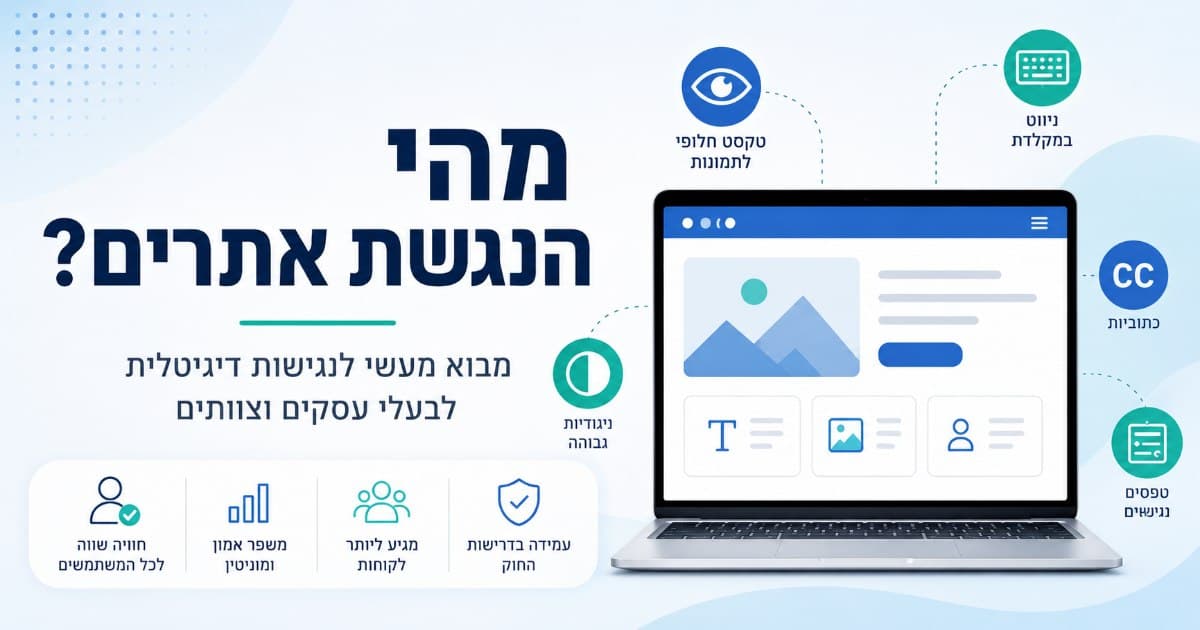
- Text alternatives for images and icons that convey information
- Keyboard access so users can move through the site without a mouse
- Visible focus so keyboard users can see where they are on the page
- Color contrast so text is readable against its background
- Clear structure with headings, labels, and meaningful link text
- Forms that are understandable and operable with assistive technology
- Video and audio with captions or transcripts when they carry important information
These ideas are aligned with international guidelines such as WCAG, which many countries reference in their regulations.
Why businesses care
An inaccessible website can create friction for customers, increase support load, and in some markets create legal exposure. In Israel, many organizations are expected to make their websites accessible under the relevant accessibility regulations and standards.
At the same time, accessibility often improves usability for everyone: clearer navigation, better mobile experience, and more robust forms benefit all visitors.
Accessibility is not only an overlay
Some products promise to “fix” accessibility with a single script or widget. Overlays may change appearance or add limited tools, but they rarely replace proper remediation in the site’s code, content, and design.
If your website is built with WordPress, you can start by adding a basic assistive layer with the Clear Web accessibility plugin. It can help some users adjust the experience, but it should not be treated as a substitute for testing and fixing accessibility issues in the website itself.
A sustainable approach usually combines:
- Testing to understand what is broken
- Prioritization based on impact and effort
- Fixes in templates, components, and content
- Retesting after changes
A sensible first step
If you are unsure where your website stands, start with a structured accessibility review or scan. Use the results to understand severity, affected areas, and what should be addressed first — not to panic, but to plan.
You can begin with an initial accessibility scan to get a clearer picture of the current state of your website.
Clear Web helps Israeli businesses review accessibility issues and decide on practical next steps, from reports and consulting to remediation when needed.
Need help checking your website, fixing accessibility issues, or understanding what should be done next? Contact us, and we’ll help you identify the right next step.